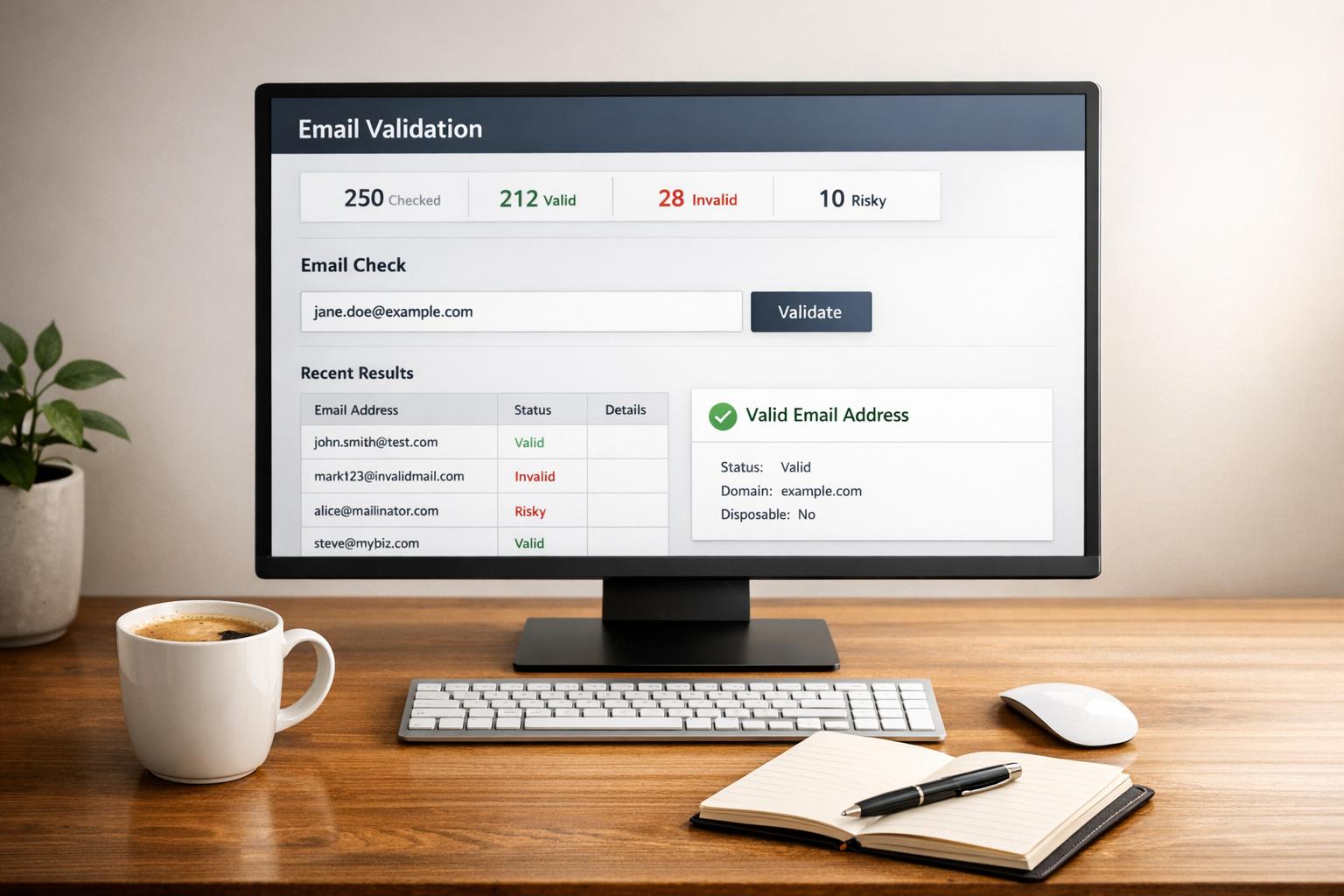
Best Practices for Free Email Validation APIs
Email validation APIs help you verify email addresses in real-time, reducing bounce rates, improving marketing outcomes, and preventing fraud. By checking syntax, domains, and mailboxes, these tools ensure your email lists remain accurate and effective.
Key Takeaways:
- Why Use Them: Prevent typos, block disposable emails, and reduce invalid signups.
- Features to Look For: Real-time validation, disposable email detection, catch-all server identification, and fast processing.
- Free Tier Tips: Understand limits, track usage, and optimize API calls to stay within quotas.
- Best Practices: Use server-side integration, handle errors gracefully, and cache results to save resources.
With proper integration and maintenance, email validation APIs can protect your sender reputation and maximize the ROI of your email campaigns.
Real-time email validation: Verifying emails with API or Zapier

How to Evaluate Free Email Validation API Options
When choosing a free email validation API, focus on three key factors: the free tier offerings, performance speed, and how easily it integrates with your systems. These considerations build on the core functionalities discussed earlier.
Check Free Tier Limits and Features
Free tier limits can vary greatly between providers. For example, TempMailChecker's free tier allows 25 requests per day (or 750 monthly) and includes full access to its extensive disposable domain database, which covers over 277,000 domains and offers regional endpoints.
But don’t just look at the number of requests. Pay close attention to what counts against your quota. Some APIs might deduct credits for ambiguous or "unknown" results when they can't definitively verify an email address. Also, check whether unused credits roll over or reset monthly - what looks like a generous trial could quickly run out during your testing phase.
Accurate detection of disposable emails is crucial for preventing fraud and ensuring high-quality data. Look for services that update their databases daily and maintain a comprehensive list of domains. Providers with fewer than 100,000 domains in their database might be relying on outdated information. TempMailChecker, for instance, updates its database daily, helping you stay protected against newly launched throwaway email services.
Performance and Integration Requirements
Speed is critical. When users fill out a signup form, even a small delay - like 1–2 seconds - can frustrate them and result in fewer signups. APIs like TempMailChecker, which process requests in sub-milliseconds, ensure that email validation happens almost instantly, creating a smooth user experience.
Choose APIs that are RESTful and provide clear JSON responses paired with detailed documentation. The best services also offer SDKs for popular programming languages, such as Python, JavaScript, Node.js, Go, and PHP, making development much easier. Additionally, regional endpoints can reduce latency by routing requests through servers closer to your users.
Lastly, test how the API handles failures. What happens if the service times out or encounters an error? Your application should fail gracefully - flagging accounts for later verification instead of outright blocking signups. To keep your API keys secure, avoid hardcoding them; use environment variables instead. Testing these failure scenarios early will help ensure a smooth integration and robust functionality.
Best Practices for Using Free Email Validation APIs
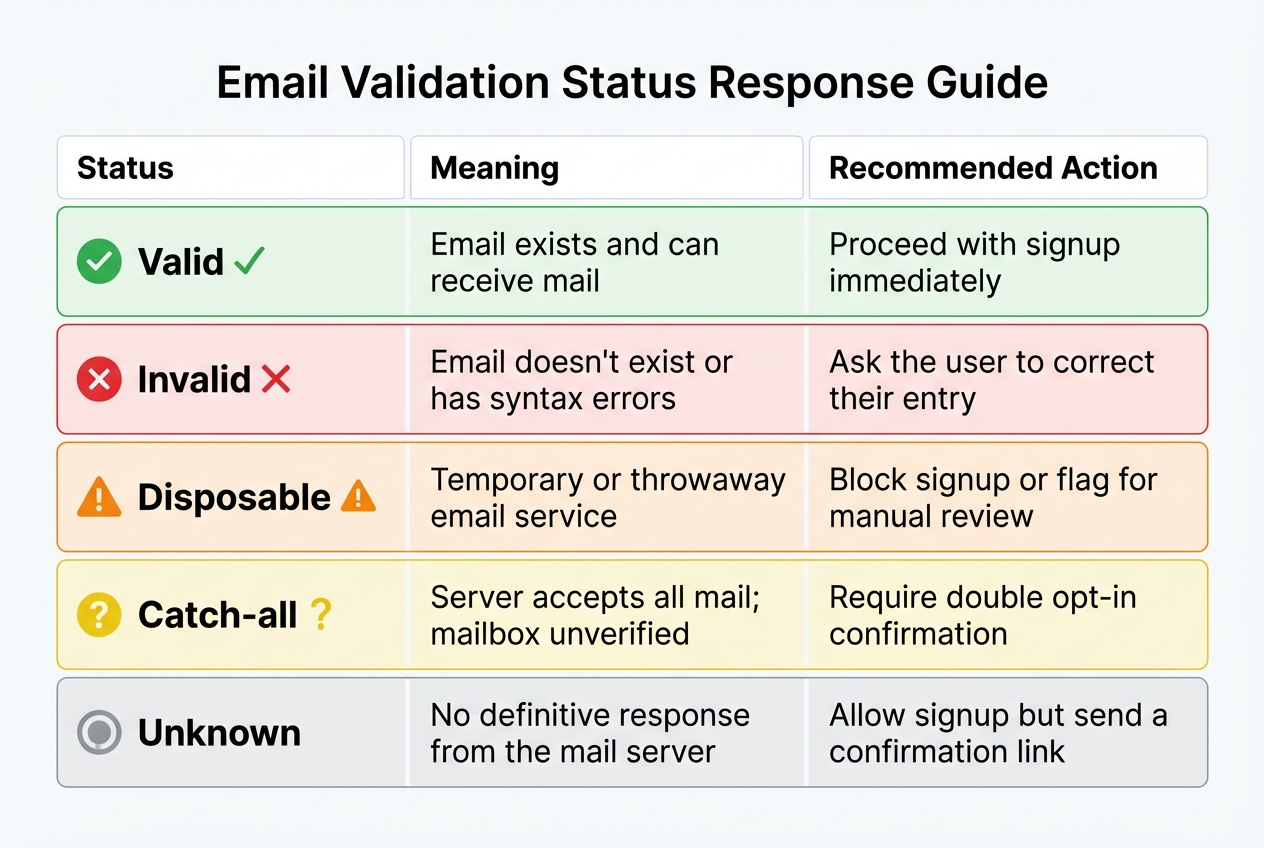
Email Validation API Response Status Guide and Recommended Actions
Get the most out of your free email validation API tier by keeping an eye on usage, fine-tuning your API calls, and preparing for unexpected errors.
Monitor API Usage and Quotas
After integrating the API, keep a close watch on how much you're using it to ensure you stay within the limits of the free tier. Most providers offer dashboards that let you track your API calls in real time and compare them to your plan's quota. Make it a habit to check this dashboard regularly, especially during the initial weeks, to understand your usage patterns and avoid running out of calls unexpectedly.
For tasks that aren’t time-sensitive - like cleaning up a CRM database or processing overnight signups - consider batching the data locally and sending it as a single bulk job. This reduces the number of individual requests and helps you stay within daily limits. Keep in mind, some providers cap bulk operations to 10 concurrent jobs and 50 runs per day, so plan accordingly.
Another way to avoid issues is by implementing rate limiting. Introducing short delays between API calls, or using a backoff mechanism, ensures you don’t exceed the provider’s request-per-second limits, which could temporarily block your API key.
Integrate Real-Time Validation
Always make API calls from your server-side backend rather than client-side JavaScript. Exposing API keys in client-side code can lead to unauthorized usage, potentially draining your quota. Instead, store your API keys securely as environment variables, such as API_KEY, to keep them safe from misuse.
When integrating the API, use asynchronous calls (e.g., async/await) to validate emails without freezing the user interface. For example, when someone fills out a signup form, email validation should happen in the background. Set a reasonable timeout - around 3 seconds - to avoid delays that could frustrate users.
The TempMailChecker API provides a JSON response that makes it easy to handle different email statuses. Below is a quick guide on how to respond based on the validation status:
| Status | Meaning | Recommended Action |
|---|---|---|
| Valid | Email exists and can receive mail | Proceed with signup immediately |
| Invalid | Email doesn't exist or has syntax errors | Ask the user to correct their entry |
| Disposable | Temporary or throwaway email service | Block signup or flag for manual review |
| Catch-all | Server accepts all mail; mailbox unverified | Require double opt-in confirmation |
| Unknown | No definitive response from the mail server | Allow signup but send a confirmation link |
Providing instant feedback for obvious typos, like suggesting "gmail.com" when a user types "gmial.com", can improve the quality of the data you collect.
Once real-time validation is in place, prepare for scenarios where the API might fail.
Handle Edge Cases and Errors
Your application needs to handle situations where things don’t go as planned. If the API is down, times out, or throws an unexpected error, your system should catch the issue gracefully. In such cases, allow the signup to proceed but flag the account for later verification - either automatically or manually. If you hit your quota limit, the API will usually return a 429 Rate Limit error. Be ready with a fallback plan, like queuing the validation request for later, asking users for an alternate email, or using a reserve of paid credits to handle unexpected spikes in traffic.
For emails with unclear statuses like "catch-all" or "unknown", requiring a double opt-in is a smart move. Sending a confirmation email and activating the account only after the user clicks the link helps weed out invalid addresses without creating too much friction for legitimate users.
Finally, consider caching validation results for frequently checked domains or email addresses. For instance, if "john@example.com" was validated today, there’s no need to revalidate it immediately. Storing the result for a set period, like 30 days, can cut down on redundant API calls and save your quota for new requests.
sbb-itb-cfbd9fd
Maintaining and Scaling API Integrations
Keeping your API in top shape requires regular maintenance and periodic audits to stay ahead of disposable domains. TempMailChecker, for example, updates its database of over 277,000 disposable domains every 24 hours. This frequent update cycle is crucial for identifying throwaway accounts before they can disrupt your CRM.
It’s also important to track metrics for valid, invalid, and disposable email responses. A sudden increase in disposable email detections could be a red flag for bot activity, while a drop in validation accuracy might mean your database needs updating. Pay close attention to API response times as well. If you notice any unusual delays, switching to a regional endpoint can help maintain the sub-millisecond performance necessary for responsive signup forms. These practices ensure your integration remains reliable, even as demand grows.
Regular Maintenance and Updates
Automating daily usage checks is a simple but effective way to monitor API request counts. This helps you avoid exceeding limits during high-traffic events like product launches or marketing campaigns.
Error handling is another critical area to test regularly. Simulate API timeouts or rate limit responses to ensure your system can handle interruptions gracefully. A fail-open approach, where signups are allowed to proceed while accounts are flagged for later review, can reduce user friction during temporary issues.
When to Upgrade to Paid Plans
As your needs grow, keeping an eye on your free tier usage is essential. For instance, if you’re consistently hitting TempMailChecker’s free tier limit of 25 requests per day, it might be time to upgrade. Their Starter plan, priced at $12 per month, offers 3,000 requests with no daily cap.
Paid plans aren’t just about higher quotas. They also come with features designed for scaling, like bulk validation for cleaning up email databases, priority API routing during traffic spikes, and enhanced customer support. If your business processes more than 15,000 validations per month or operates in high-risk areas like e-commerce, higher-tier plans can provide dedicated throughput and SLA guarantees. These features are especially important when you consider that email lists naturally decay by about 22.5% each year.
Conclusion
Using an email validation API is a smart move to protect your data quality and improve the success of your marketing campaigns. High-quality validation services can achieve an impressive 98-99% accuracy by checking domain records, performing SMTP handshakes, and identifying disposable email addresses. This level of accuracy helps protect your sender reputation and ensures you get the most out of your marketing investment.
Real-time validation is especially useful - it stops invalid email entries before they even make it into your database. As your business grows, keep an eye on your usage. If you’re consistently hitting the limits of your free tier, it’s probably time to explore upgrades that offer benefits like bulk validation and faster processing.
For companies looking to tackle spam, fraud, and fake signups, tools like TempMailChecker offer a strong defense. With real-time processing and an up-to-date database of disposable domains, it provides reliable protection against temporary email addresses.
To keep your validation system effective as you scale, prioritize routine maintenance, automate usage monitoring, and consider strategic upgrades. By staying proactive, you can ensure your email validation setup evolves alongside your business and continues to deliver the data quality you rely on.
FAQs
What should I look for in a free email validation API?
When selecting a free email validation API, it's important to focus on features that prioritize accuracy, speed, and ease of integration. One key feature to look for is real-time validation, which checks email syntax, verifies domain existence, and confirms mailbox status on the spot. This can help you block invalid emails from entering your system right away. Another must-have is the ability to detect disposable and temporary email addresses, supported by an up-to-date database to minimize fake signups and reduce spam.
Speed matters too - APIs with low latency ensure quick response times, creating a seamless experience for users during signups or checkouts. A straightforward JSON response format with clear indicators like isDisposable or isValid can make integration into your applications much simpler. Lastly, APIs that offer comprehensive documentation and a free tier - especially one that doesn’t require a credit card - can make development and testing hassle-free.
What are the best ways to manage my API usage within the free tier limits?
To get the most out of your free email validation API tier, start by checking email syntax locally. Use a simple regex to weed out clearly invalid addresses. This step helps you avoid wasting API calls on obvious errors.
For smoother integration and efficient single-request handling, take advantage of TempMailChecker’s SDKs. They help reduce unnecessary overhead. Also, keep an eye on your monthly quota - usually capped at about 1,000 requests. Setting up alerts as you approach the limit can help you stay within the free tier. These steps can help you make the most of the API without exceeding your usage limits.
What should I do if my email validation API returns an error?
If your email validation API, like TempMailChecker, runs into an error, here’s how you can tackle it efficiently:
- Check the status code: Identify whether the problem is on the client side (e.g., invalid email format or hitting rate limits) or the server side. Use the status code to guide your next steps.
- Retry temporary issues: For short-term problems like rate limits or server downtime, set up a retry mechanism with exponential backoff. For example, wait 1 second, then 2 seconds, then 4 seconds, and so on.
- Log errors for troubleshooting: Keep a record of details like error codes, timestamps, and request IDs. This will simplify debugging later.
- Provide clear feedback: Return structured error messages in JSON format. Include a human-readable explanation along with relevant error codes to make it easy to understand.
- Monitor and alert: Keep an eye on error rates, and set up alerts to catch recurring problems before they affect your users.
For issues specific to TempMailChecker, make use of the error fields provided (e.g., "code": "RATE_LIMIT") to determine the right solution, whether that’s retrying or logging the error. Following these steps will help keep your email validation process smooth and dependable.